
Private budgeting: what on-device AI changes for your money
A useful budget should show where your money goes without handing your financial life to another company. KRONO stores and processes financial records on your iPhone. Its optional AI assistant uses Apple's on-device models, not an external AI service. Local-first does not mean every feature is isolated: optional household sharing uses private iCloud, and bank connections in Germany involve Salt Edge.
KRONO AS · Updated:
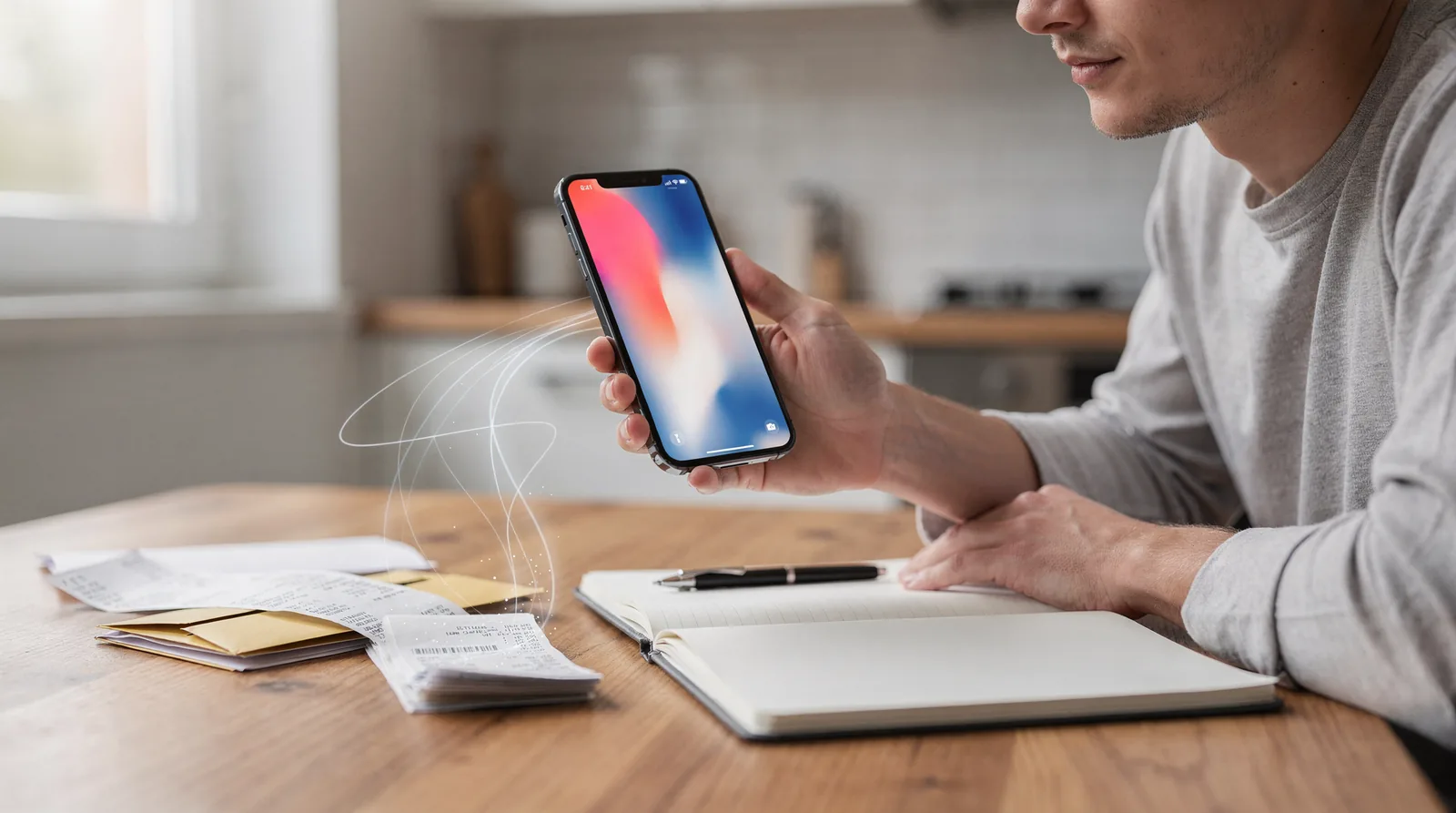
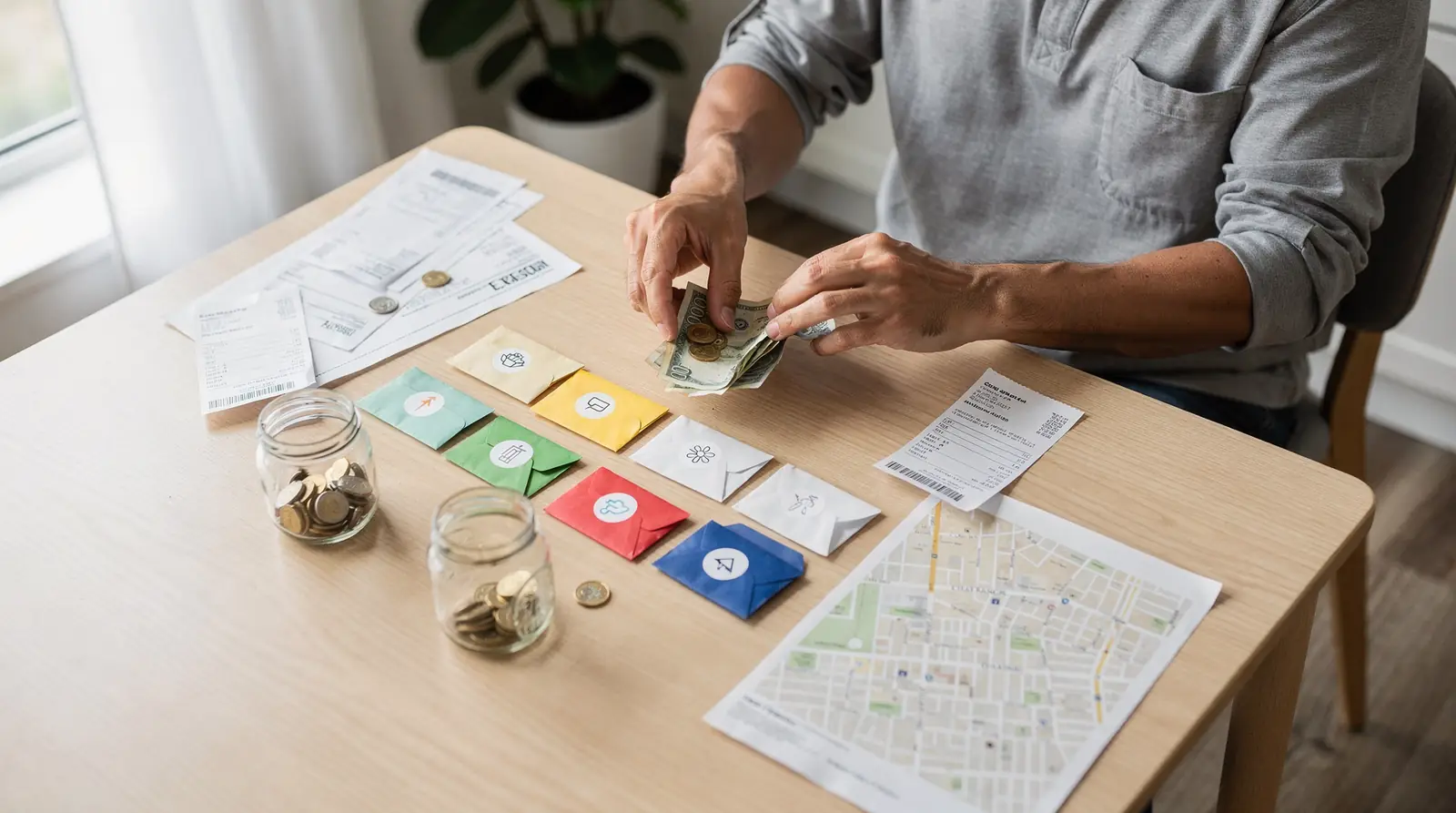
Why financial privacy matters
A transaction history is more than a list of amounts. Descriptions and patterns can reveal where you shop, which bills you pay and how your household lives. Before choosing a budgeting app, ask where those records are stored, who can access them and what happens when you stop using the service.
KRONO does not store your financial records on KRONO servers. This avoids creating a central KRONO-held copy of your budget, accounts and debts. It reduces one source of exposure; it does not remove every security risk.
What local-first actually means
Your iPhone is the starting point for your financial records and calculations. You can follow income, spending, loans and net worth without sending those records to a KRONO-operated cloud.
If you choose household sharing, selected information is shared through your private iCloud. If you enable a bank connection in Germany, Salt Edge processes the connection under its own terms. These are separate choices, not exceptions to hide behind a promise that data never leaves the phone.
Can AI help without sending transactions away?
KRONO Intelligence answers questions about spending, income, budgets, loans and net worth using your own records. Numerical answers use KRONO's calculation engines; the language model explains the results. Safe to Spend and balance forecasts are calculations, not figures invented by AI.
The assistant is optional, requires KRONO Pro and a compatible iPhone with Apple Intelligence enabled, and is off until you enable it in Settings → Privacy & AI. It is read-only except for actions you explicitly confirm. It does not move money or replace financial advice.
Category suggestions stay under your control
Optional AI categorisation reads transaction descriptions, amounts, categories and your earlier category choices on the iPhone. These inputs are not sent to KRONO or an external AI service. What the app learns from your corrections stays on your device.
AI category suggestions need approval. Optional automatic application is limited to high-confidence matches from known merchants or earlier choices. You can disable each AI feature and clear learned preferences; switching AI off does not undo categories you have already accepted.
Safe to Spend is a planning estimate, not a guarantee
An account balance tells you what is recorded now. A spending plan also considers bills, savings commitments and upcoming payments. KRONO helps you see what is left after the commitments you have entered, rather than treating the whole balance as spare cash.
Illustrative calculation, not an app result: a balance of €2,000 minus €900 in upcoming bills and €300 reserved for savings leaves €800. An unrecorded bill or delayed transaction changes the picture. Keep balances and schedules current and check for duplicate entries; this article does not claim automatic duplicate detection.
Bank connections depend on the country, not the language
Automatic bank connection is available only in Germany, where it is optional and read-only through Salt Edge. In other markets, use manual accounts and CSV imports. Choosing German as the app language does not enable bank connectivity outside Germany.
A manual account does not become a live bank feed. Forecasts depend on recorded balances, income and payment schedules, so they may differ from the bank's current view. Check the original statement before an important decision.
Privacy still needs everyday precautions
Local storage is not a promise of zero risk or automatic legal compliance. Protect your iPhone with a strong passcode, keep iOS updated, review household-sharing permissions and handle exports carefully. Read the privacy policy for the exact data flows rather than relying on labels such as bank-grade security.
KRONO's financial overview can help you organise decisions, but it does not guarantee affordability, prevent every overdraft or provide investment, tax or legal advice.
Start with the basics; add AI only if it helps
KRONO Free is permanent and supports up to 3 accounts, 2 loans and 1 monthly budget. KRONO Intelligence is a Pro feature; Pro is a subscription managed by Apple, not a requirement for keeping a basic budget.
Start with current balances, regular bills and a realistic savings plan. Review the figures regularly. Then decide whether an on-device assistant helps you understand them faster. Privacy should be a clear choice, not a trade-off you discover later.
| Question | Account balance | Safe to Spend planning |
|---|---|---|
| What is recorded now? | Current recorded balance | Starting point for the calculation |
| What about future bills? | Not deducted until booked | Entered commitments inform the plan |
| What about savings? | Not automatically reserved | Recorded savings commitments matter |
| Is the result guaranteed? | Check pending transactions | No; depends on complete, current inputs |
Frequently asked questions
Does local-first mean no cloud is ever involved?
No. Financial records are local by default; optional household sharing uses private iCloud. Optional bank connections in Germany involve Salt Edge. On-device AI inputs are not sent to an external AI service.
Is KRONO Intelligence included in Free?
No. The assistant requires Pro and a compatible iPhone with Apple Intelligence enabled. It is optional and off by default. Free still supports 3 accounts, 2 loans and 1 monthly budget.
Can I connect a bank outside Germany?
No. Automatic bank connectivity is currently Germany-only. Other markets use manual accounts and CSV imports, regardless of the selected language.
Can I rely on Safe to Spend as an exact bank balance?
No. It is a planning figure based on your records and commitments. Missing bills, outdated balances or delayed transactions can change the available amount.