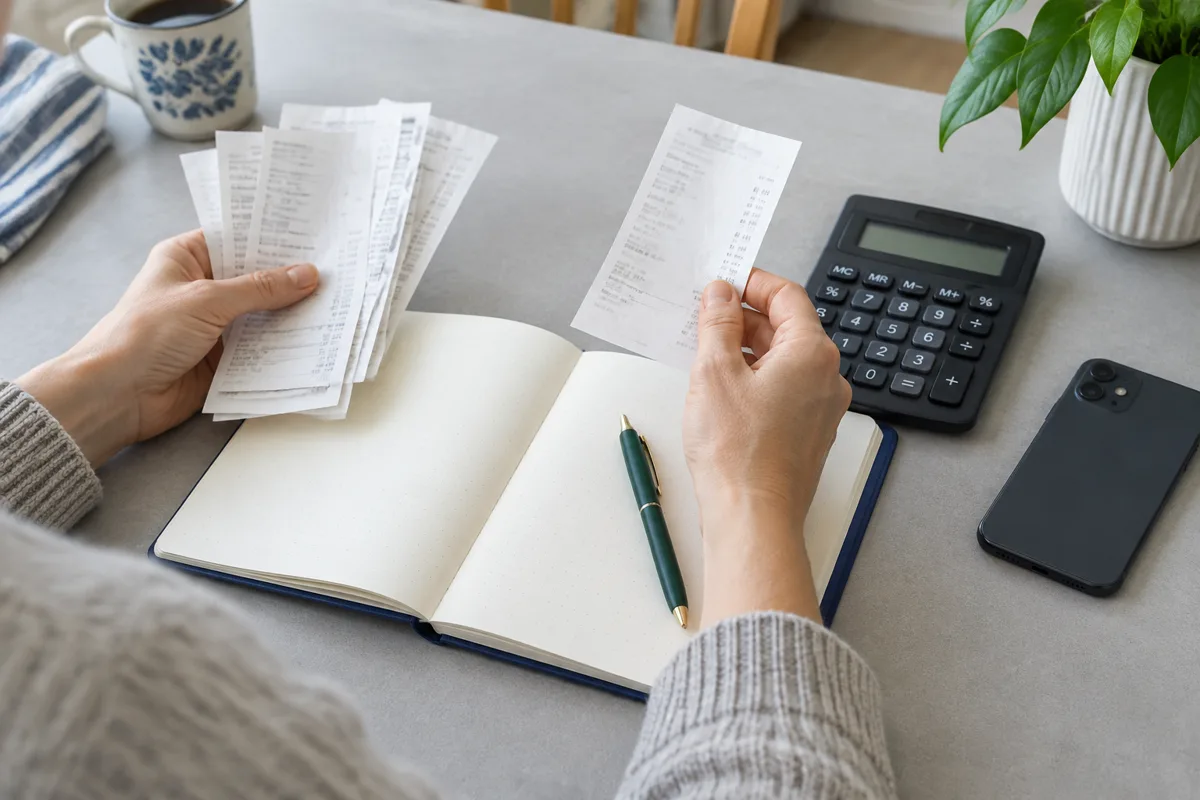
Not everyone wants to connect an app to their bank account. That does not have to hold you back: manual accounts give you full control over which data goes into the app.
How it works in KRONO:
- Create accounts: current account, instant-access savings, credit card, loans and cash—with opening balances.
- Import transactions: export a CSV file from online banking and import it into KRONO. Your column mapping is saved.
- Plan: budgets, cash flow forecasts, net worth and the Health Score work just as they do with the optional bank connection available in Germany only.
The limitations, clearly stated: Manual balances are only as up to date as your latest update. Set aside a regular time each week or month to maintain them.
Three checks after importing
Compare the date range and closing balance with your bank statement. Then check whether you have already entered any transactions manually: importing again should not distort your overview by counting expenses twice. Finally, categorise transfers between your own accounts correctly. A transfer from your current account to savings is not new income.
This is a checklist, not a promise that every CSV format will be recognised automatically or without errors. Files can differ between banks. You need to correct missing transactions and incorrect mappings.
A forecast needs up-to-date data
Record regular income and fixed payments along with their dates. A positive balance for the month does not automatically mean there is enough money in your current account every day. Rent due at the start of the month and a salary paid at the end can create a temporary shortfall.
KRONO describes a financial forecast covering up to 24 months and a separate payment forecast covering 7 days to 3 months. Both rely on your data and assumptions; they do not guarantee that you will be able to meet future payments.
FAQ
Is bank access required? No. Manual accounts and CSV imports work without it. Can I connect a bank by changing the app's language? No. Availability depends on the country. Bank connectivity is optional in Germany only; Norway and all other markets use manual accounts and CSV imports, regardless of the interface language.
Planning without bank access · Cash flow forecasting · Download KRONO
This article was created by KRONO AS and is not an independent app review. Forecasts are not personalised financial advice.