KRONO app accuracy: what you need to know
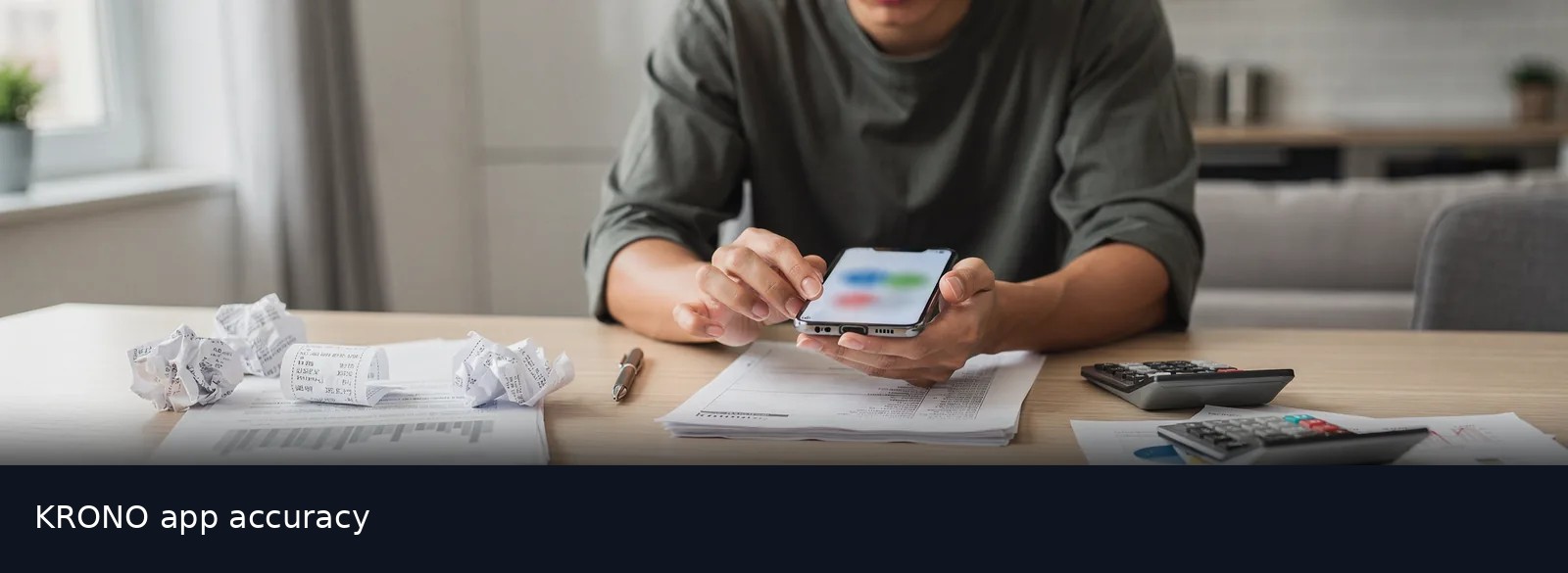
KRONO brings budgets, accounts, loans, net worth and cash flow together on iPhone. Its accuracy depends on the information you record: current balances, transactions and upcoming commitments. Local storage protects privacy by avoiding a KRONO-held cloud copy; it does not make incomplete data accurate or guarantee a forecast.
KRONO AS · Updated:
Why a balance is not a spending plan
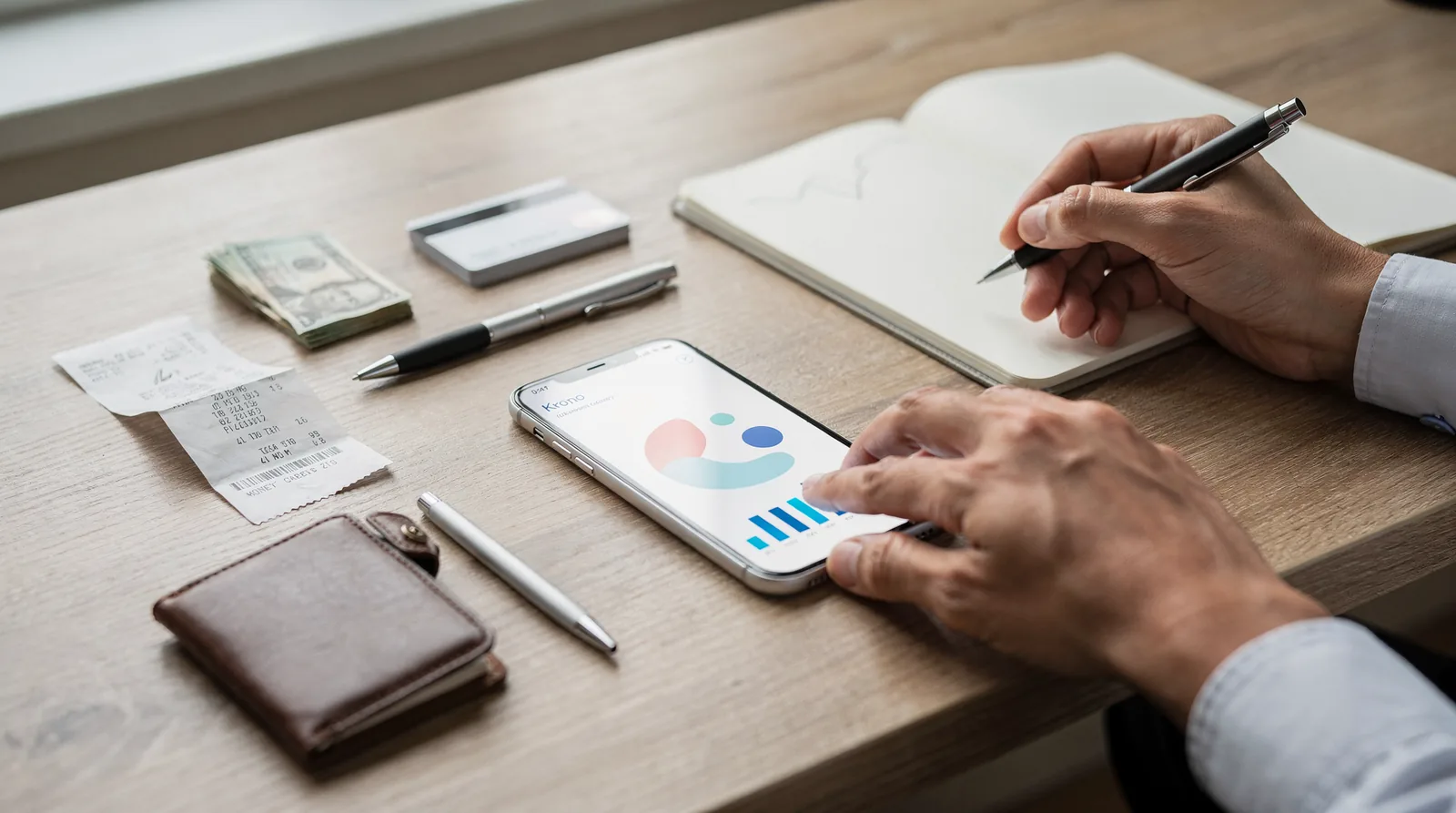
A positive account balance can include money already needed for rent, loan repayments or subscriptions. A transaction history alone does not tell you which commitments are still ahead. This is a limitation of incomplete records, not evidence that most other budgeting apps are inaccurate.
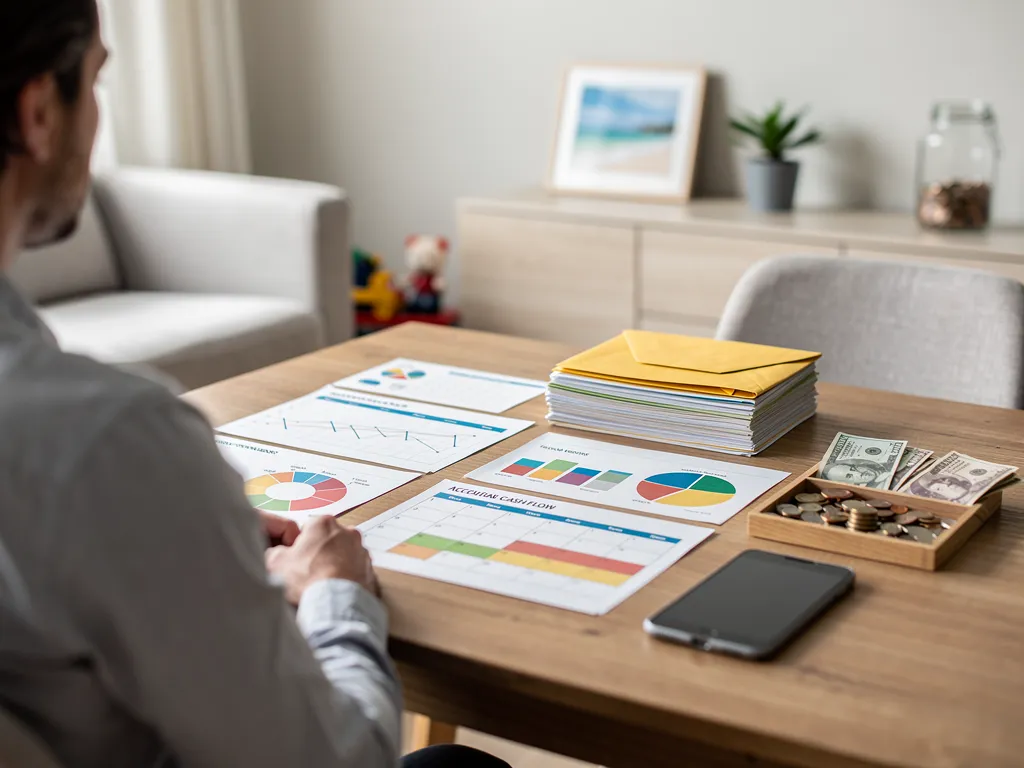
Before spending, compare the balance with bills due, planned savings and the rest of your budget period. Pending card payments and delayed entries can make the bank view differ from your recorded view.
Start with a careful financial baseline
Check each opening balance against a current bank statement. Add income dates, recurring bills, loans and planned expenses. A short initial review helps, but there is no guaranteed ten-minute setup or automatic precision afterwards.
Keep fixed costs, everyday spending and savings distinct in the three-layer budget. Review how imported and manual entries are assigned. This structure helps organisation; it is not a claim that duplicate entries are automatically detected or impossible.
Safe to Spend: useful guidance, not a guarantee
Safe to Spend helps you consider recorded spending and commitments rather than treating the entire account balance as free money. It changes as the underlying records change. Missing bills, incorrect dates or old balances can overstate what is available.
Illustrative arithmetic, not an app result: €2,000 minus €900 in upcoming bills and €300 reserved for savings leaves €800. If a €100 bill was omitted, the remainder would be €700. This simplified example is not the complete KRONO calculation formula.
Review large purchases against the bank statement and the payment schedule. A spending indicator cannot guarantee affordability, prevent every overdraft or replace financial advice.
Keep entries and imports consistent
Use manual accounts and CSV imports outside Germany. In Germany, optional read-only bank connection through Salt Edge is also available. Language selection does not change market availability, and bank feeds are not guaranteed to update instantly.
After importing, compare dates, amounts and balances with the original statement. Check whether a transaction was already entered manually. Resolve duplicates and category mistakes instead of assuming every feed or import is complete.
What on-device intelligence can and cannot do
KRONO Intelligence explains your recorded finances using Apple’s on-device models. Numerical answers come from KRONO’s calculation engines; the model explains those results. AI does not certify the input data or make future income and expenses certain.
The assistant is optional, off by default and requires Pro plus a compatible iPhone with Apple Intelligence enabled. It does not move money and performs changes only when you confirm them. This article does not claim independently validated Monte Carlo accuracy or guaranteed investment outcomes.
Privacy and data integrity are different questions
KRONO does not store financial records on KRONO servers. Optional household sharing uses private iCloud; optional German bank connectivity involves Salt Edge. Therefore it would be inaccurate to say that financial information can never leave the phone.
Local-first storage reduces one type of exposure, but does not eliminate device loss, erroneous edits, sync conflicts or every security risk. It is not proof of automatic GDPR compliance. Protect your iPhone, review sharing permissions and handle exports carefully.
Use cash flow and net worth together
Cash flow describes the timing of money coming in and going out. Net worth is recorded assets minus recorded debts. Neither figure guarantees future wealth: valuations, payment dates and missing obligations can change the picture.
Match your planning period to your pay cycle and record less frequent bills when due. KRONO’s documented financial forecast extends up to 24 months; the separate upcoming-payment view covers 7 days to 3 months. Forecasts remain dependent on your records and assumptions.
A repeatable accuracy check
Review balances, upcoming bills, income dates, categories and duplicate entries regularly. Compare changes with original statements, especially after imports or a major life change. The health score and budget pace are indicators, not an external audit or credit score.
The practical benefit is a clearer basis for decisions, not a promise of permanent financial clarity or proven savings. KRONO Free remains free with up to 3 accounts, 2 loans and 1 monthly budget; optional Pro subscriptions are managed by Apple. This article is written by KRONO AS, not an independent accuracy test.
Frequently asked questions
Does local storage guarantee accurate budgets?
No. Accurate records still require current balances, correct dates, complete bills and careful review.
Is Safe to Spend my exact bank balance?
No. It is planning guidance based on your recorded finances and commitments, not guaranteed available money.
Can I connect my bank in every market?
No. Optional bank connection is Germany-only. Other markets use manual accounts and CSV imports.
Related reading
- How to make a budget that actually works
- The 50/30/20 rule, explained
- Envelope budgeting, without the envelopes
- Budgeting that fits real life
- Safe to Spend, calculated from real life
- Every subscription, in one honest list
- The KRONO guide to budgeting
- Money, explained clearly
- KRONO – private finance app for iPhone
- 50/30/20 Budget Calculator
- Safe-to-Spend Calculator
- Subscription Cost Calculator